Subcontracting Bills of Materials with the Odoo Manufacturing app
In this post we will focus on a specific type of bill of materials, BoM Type = Subcontracting, which is the type of bill of materials that lets us subcontract to a vendor a production process to be carried out on material we supply. This bill of materials enables the automation and control of the process of delivering the raw material and receiving the subcontracted product.
A bill of materials in Odoo can be created from the product form itself or from the path: Manufacturing → Products → Bills of Materials → New.
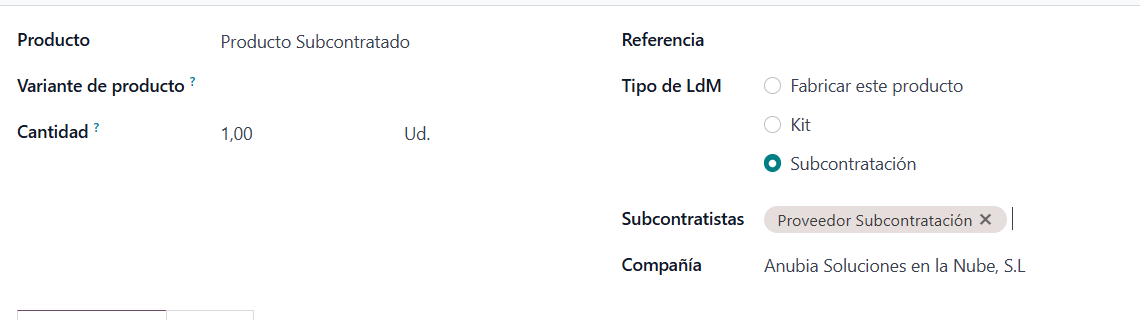
Bill of Materials form in Odoo:
- Product: In this case, the item we are going to subcontract. It can be a finished or intermediate product.
- Quantity: Amount and unit of measure to which this bill of materials applies.
- Reference: Name and/or code of the bill of materials.
- BoM Type: In this case we will select Subcontracting.
- Subcontractors: List of vendors we can hire to subcontract this product.
Bill of Materials Form Tabs in Odoo:
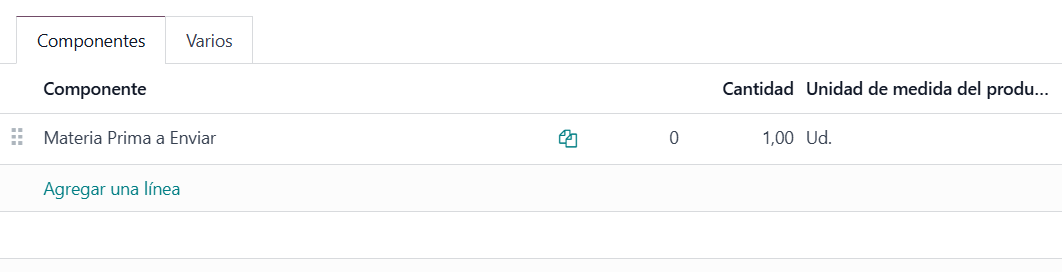
- Components: In this tab we specify the components of this bill of materials. To add a component, click Add a line.
- Component: Product that will be sent to the vendor in the subcontracting process.
- Quantity: Amount of the component required to manufacture/subcontract this bill of materials.
- Product Unit of Measure: The component's unit of measure. As a rule, it comes from the product form.
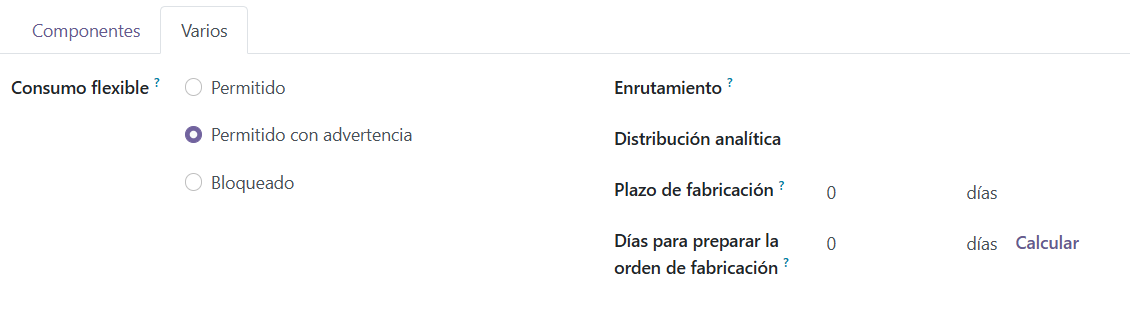
- Miscellaneous:
- Flexible Consumption: Lets you configure how material consumption will behave in the manufacturing order.
- In a strict way (Blocked). That is, component consumption is always what is stipulated in the bill of materials.
- Or in a flexible way (Allowed or Allowed with warning), so that the quantities of components consumed in the manufacturing order can be edited and differ from the theoretical ones in the bill of materials.
- Routing: Lets you define logistics routes to set warehouse and replenishment rules.
- Analytic Distribution: Lets you configure the analytic accounts to which subsequent manufacturing orders for this bill of materials' product will be allocated.
- Manufacturing Lead Time: The usual time spent manufacturing this bill of materials' product once the manufacturing order is confirmed.
- Days to prepare Manufacturing Order: Lead time for creating and confirming manufacturing orders in advance, so there is enough time to replenish components, whether purchased or manufactured in-house.
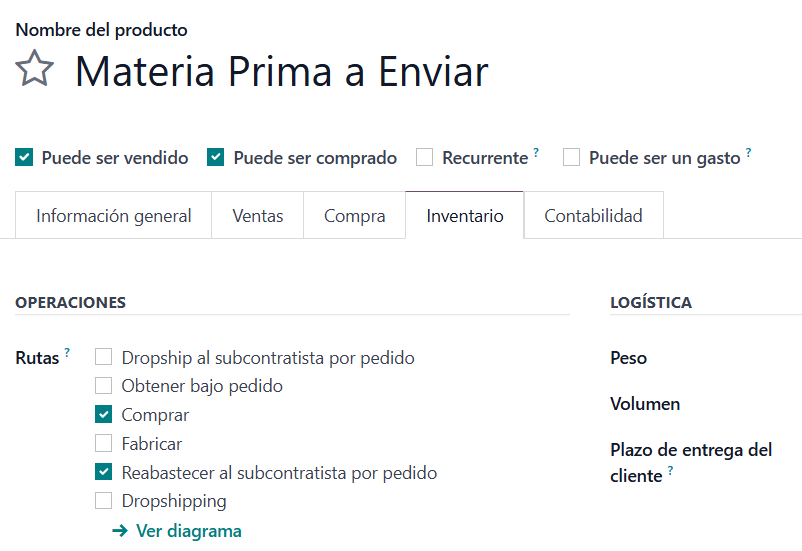
It is important to check the form of the raw material to be sent to the vendor, because for Odoo to understand that it is involved in the subcontracting process, its route must be set to Resupply Subcontractor on Order.
Once the bill of materials and the raw material are configured, we can purchase in Odoo. The manufacturing subcontracting process is still a purchase, with the nuance that we ourselves supply the raw material in order to obtain the desired product afterwards.
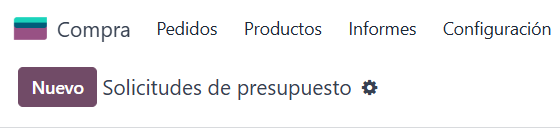
This purchase may have been created automatically after creating a manufacturing order or through a replenishment rule, but in this case we will create it manually following these steps: Purchase --> Requests for Quotation --> New.
We select a Vendor that was included in the Bill of Materials as one of the Subcontractors. We select the Product to subcontract, which has its Bill of Materials configured with BoM Type = Subcontracting.
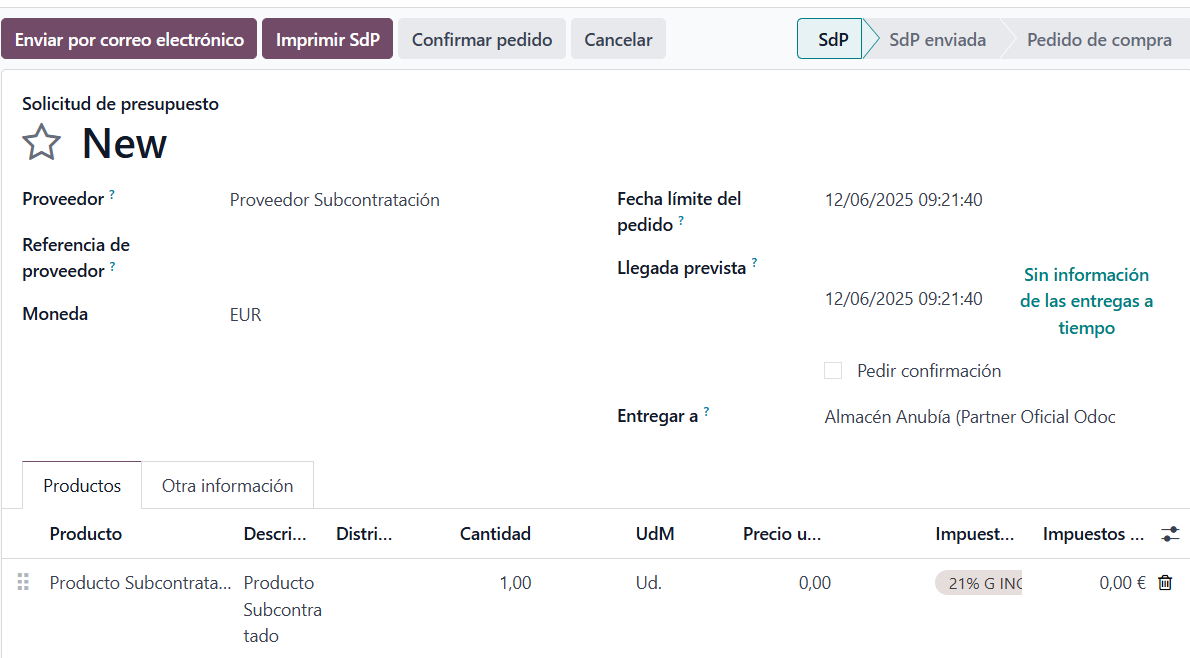
Once we consider the purchase quotation correct and have reached an agreement with the vendor, we click Confirm Order.
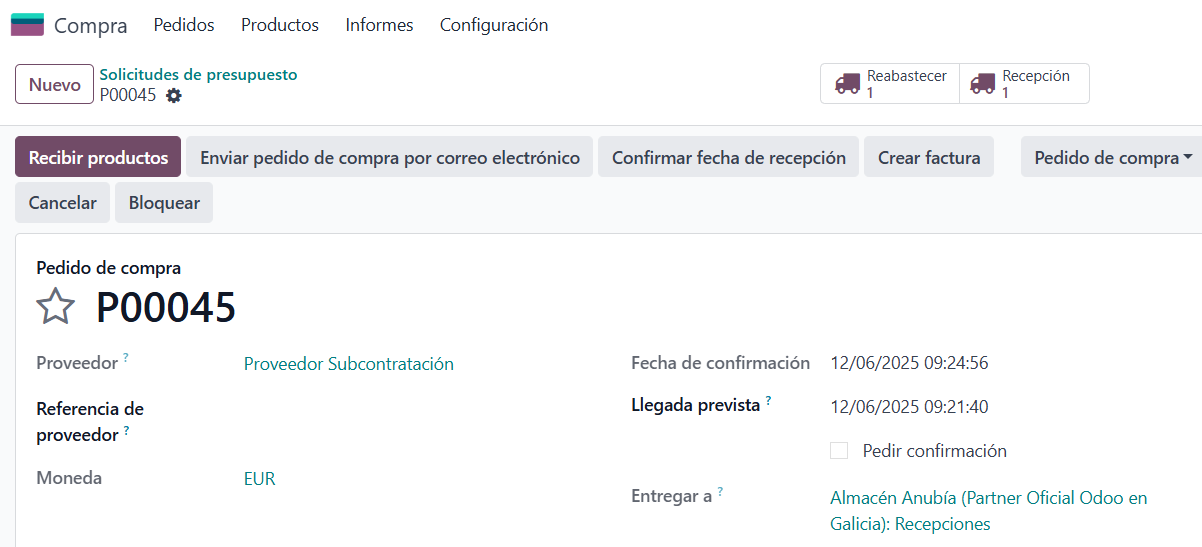
As this is a subcontracting purchase, not only is a Receipt created, but also a Resupply.
This Resupply is found in the Inventory app as a Resupply Subcontractor operation and is the transfer that sends the raw material to the vendor.
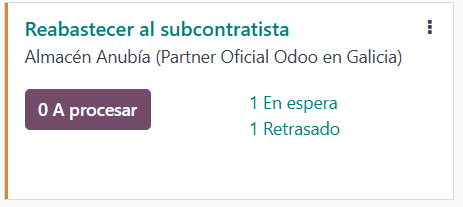
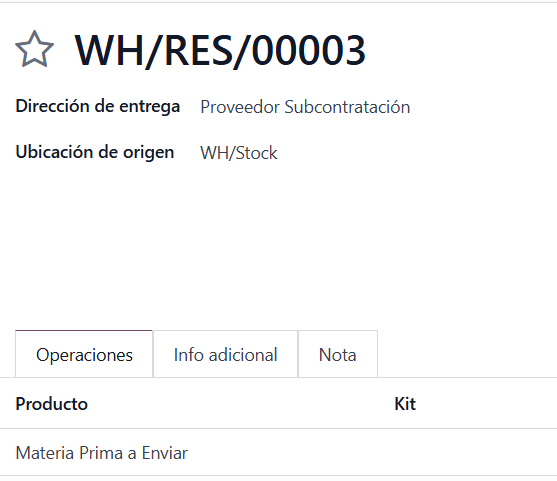
Once the raw material has been sent, the vendor will do its work and, when it is finished, we will receive the subcontracted product through the Receipt in Inventory, and the process will end with the vendor bill.
Keep learning about Odoo
- Types of bills of materials in Odoo
- Bills of Materials for manufacturing in Odoo
- How to create manufacturing orders in Odoo
- Odoo Manufacturing y Odoo Purchase
Want to implement Odoo Manufacturing in your company? At Anubía we help you configure it according to your processes. Contact us.